
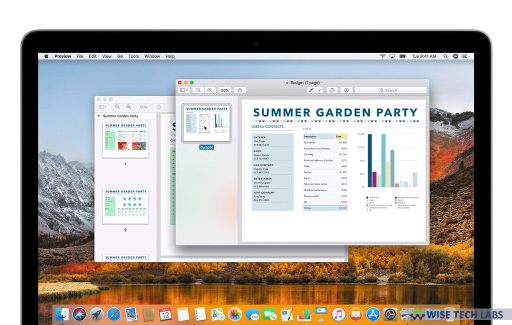
Almost, many of us face a situation when we want to combine two scanned documents on your Mac. Usually, when you scan any document on your Mac, when you scan…
Almost, many of us face a situation when we want to combine two scanned documents on your Mac. Usually, when you scan any document on your Mac, when you scan…

Password is very essential for system security but it may cause problem when you lose it. If you lose your Windows login password, it seems like there’s no other choice than clean…

With iOS 12, Apple revamped its Accessibility feature by adding some new features that really make it easier than ever to modify exactly how your iOS device behaves in less-than-ideal…

Whenever you startup your Mac, it starts with a loud chime. If you are fed up of listening this sound everytime, you may disable it. You may silently turn on…

If you want to record your Android device screen for making Android video tutorials or getting help to fix the device issues, you may easily do it with a single…

If you want to change your default email address that you created in Mail app on your iPhone or iPad, you may easily change it. Apple allows you to make…

On your Mac, if you have any document or file that you want to access from any other device; you may add those files to iCloud Drive and then access…

While communicating on your Mac or iOS device, GIF plays a vital role to make your conversation more live and express your emotions with a single click. GIFs are very…
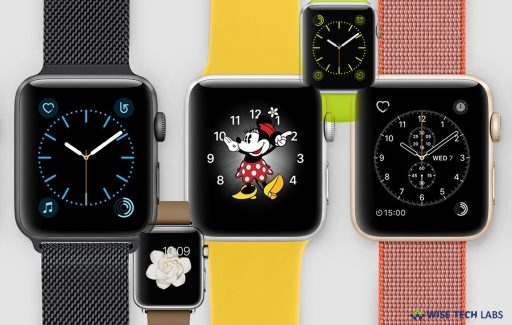
Apple added Monogram complication to Apple Watch that allows you to select up to four letters to display on your Apple Watch. Earlier, it was available only on the color…
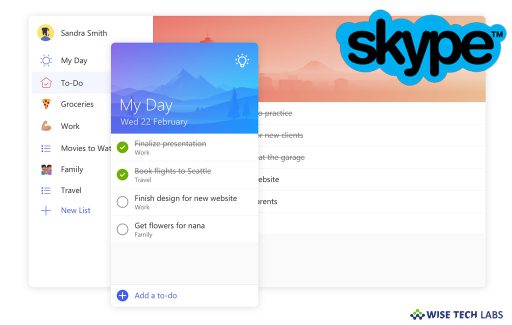
Microsoft To-Do helps you to capture tasks directly from Skype chats with an ease. You need to just press and hold or right click on a message to create a task. You…
Wise Tech Labs
Email: info@wisetechlabs.com


Write us at
support@wisetechlabs.com
© 2026 Wise Tech Labs Pvt. Ltd., All Rights Reserved. 